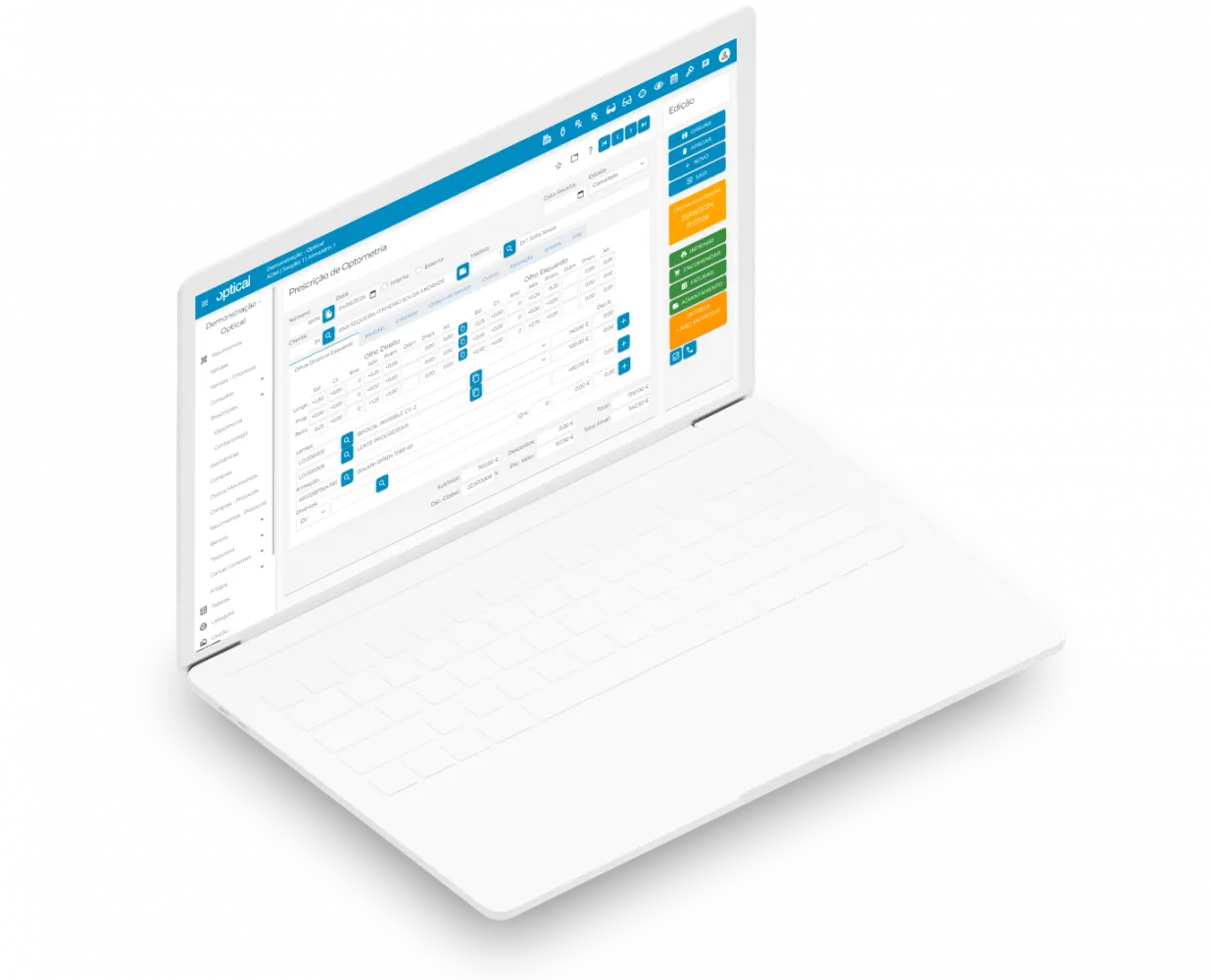
Prescriptions
- Quick, simple recording of optometry and contact lens prescriptions;
- Intuitive entry of the lens power, whether for distance, near or progressive vision;
- Lens and frame setup for each eye, with greater detail and precision;
- Technical measurements entered centrally, in a single place;
- Automatic SMS notification to the customer, speeding up communication;
- Recording of service delivery, so the whole process can be tracked;
- Attach doctors' prescriptions and other relevant documents, keeping all information organised;
- Automatic conversion into an invoice, simplifying the close of the service.
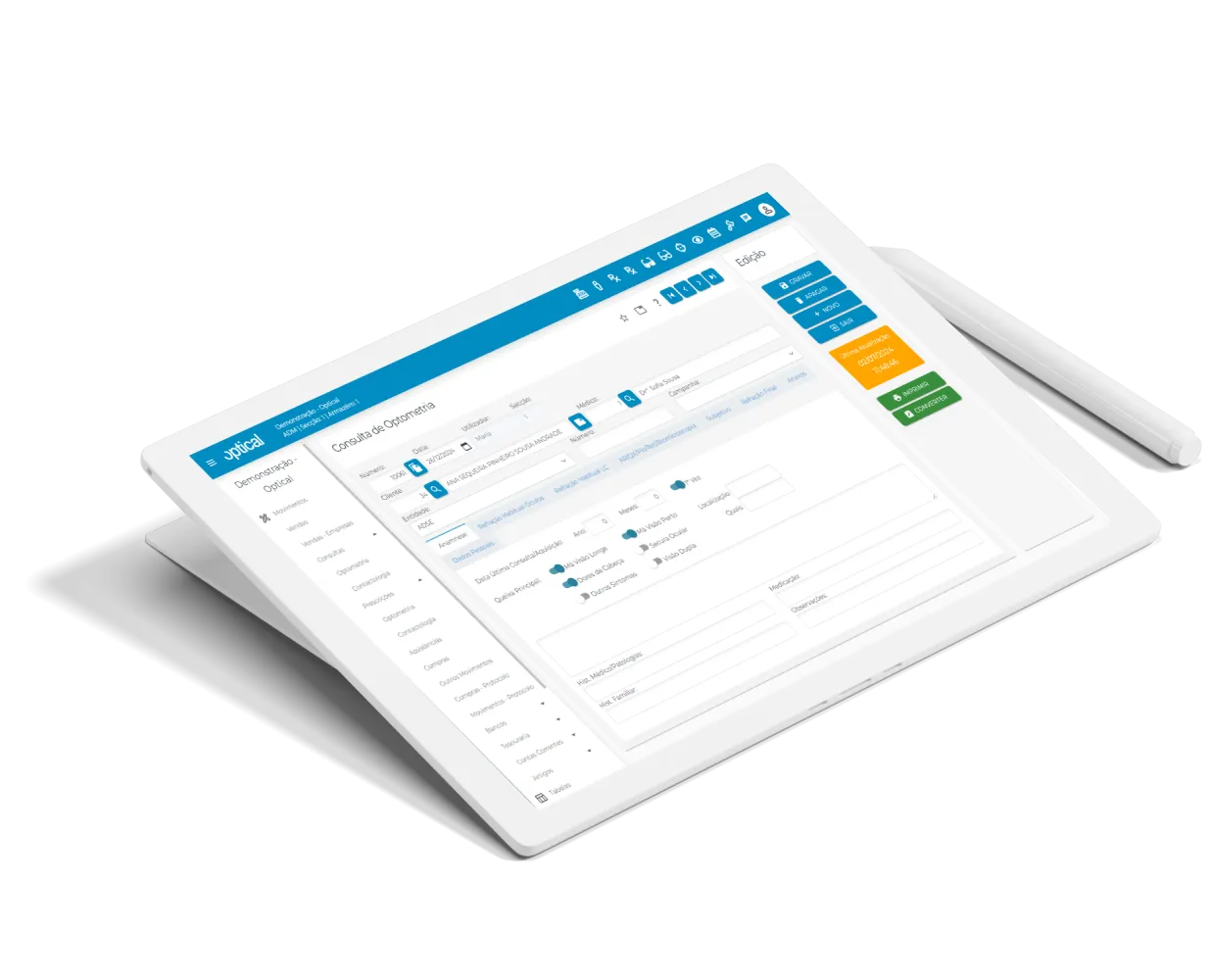
Eye examinations
- Complete, structured recording of customer details, ensuring easy access to information;
- Identification of the professional responsible for each examination;
- Internal information sharing through notes accessible to the whole team;
- Integration of case history and clinical tests;
- Precise definition of the refraction and final prescription, for greater clinical accuracy;
- Clinical images and documents linked to the customer's record;
- Prescription issued immediately after the examination, simply and efficiently;
- Direct integration with the Prescriptions module, optimising the whole clinical process.
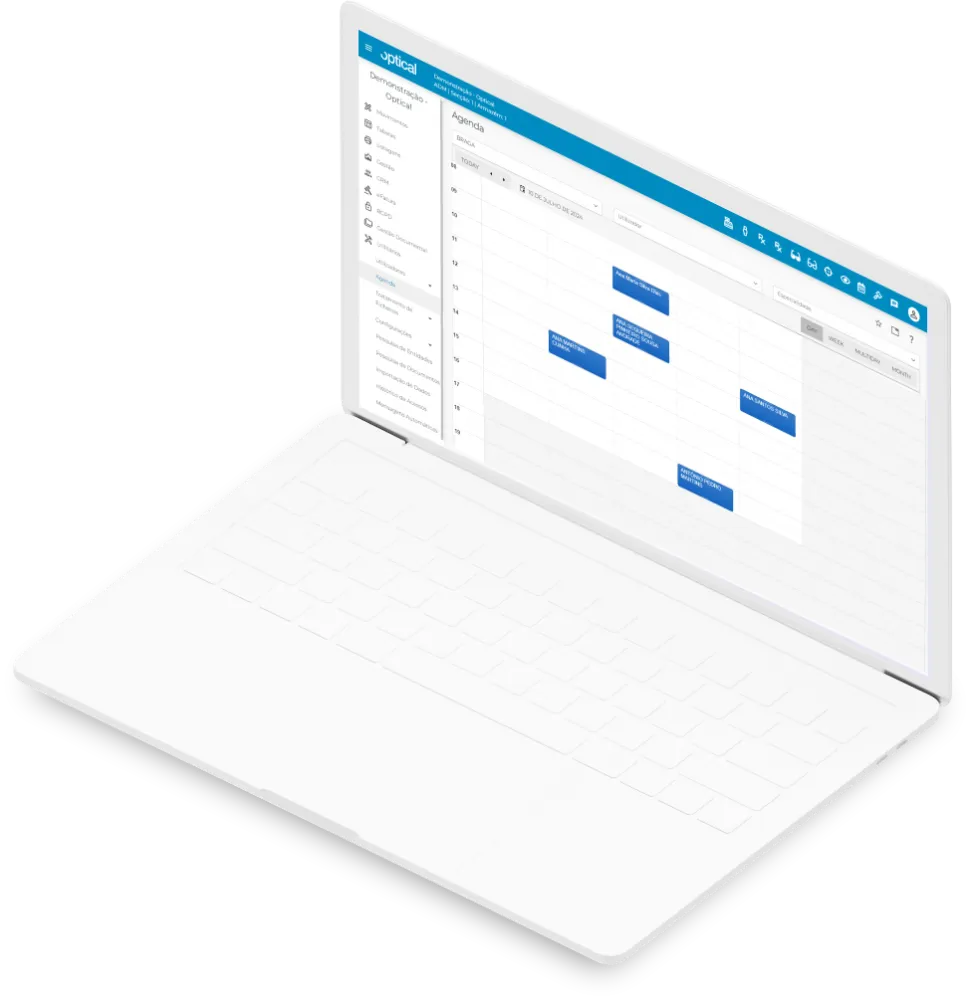
Calendar
- Daily, weekly and monthly calendar views, for better time management;
- Filters by user, shop or speciality, for personalised organisation;
- Option to create the customer when booking the appointment, simplifying the process;
- Flexible bookings for eye examinations, tests and repairs;
- Quick, intuitive conversion of an appointment into an optometry or contact lens examination/prescription;
- Calendar printing, for offline reference and organisation;
- Automatic SMS reminders, reducing no-shows and improving communication with customers.
Repairs
- Repair records with all the relevant information about the item to be repaired;
- Recording and tracking of all repairs carried out, ensuring rigorous follow-up;
- Printing of the drop-off document for the item left for repair, formalising the process;
- Recording and control of the materials, items and labour used in each repair;
- Identification of the staff member who received the item for repair;
- Recording of the work carried out on the item, ensuring service traceability;
- Repair management and reports, for simple, organised lookups.
Sales
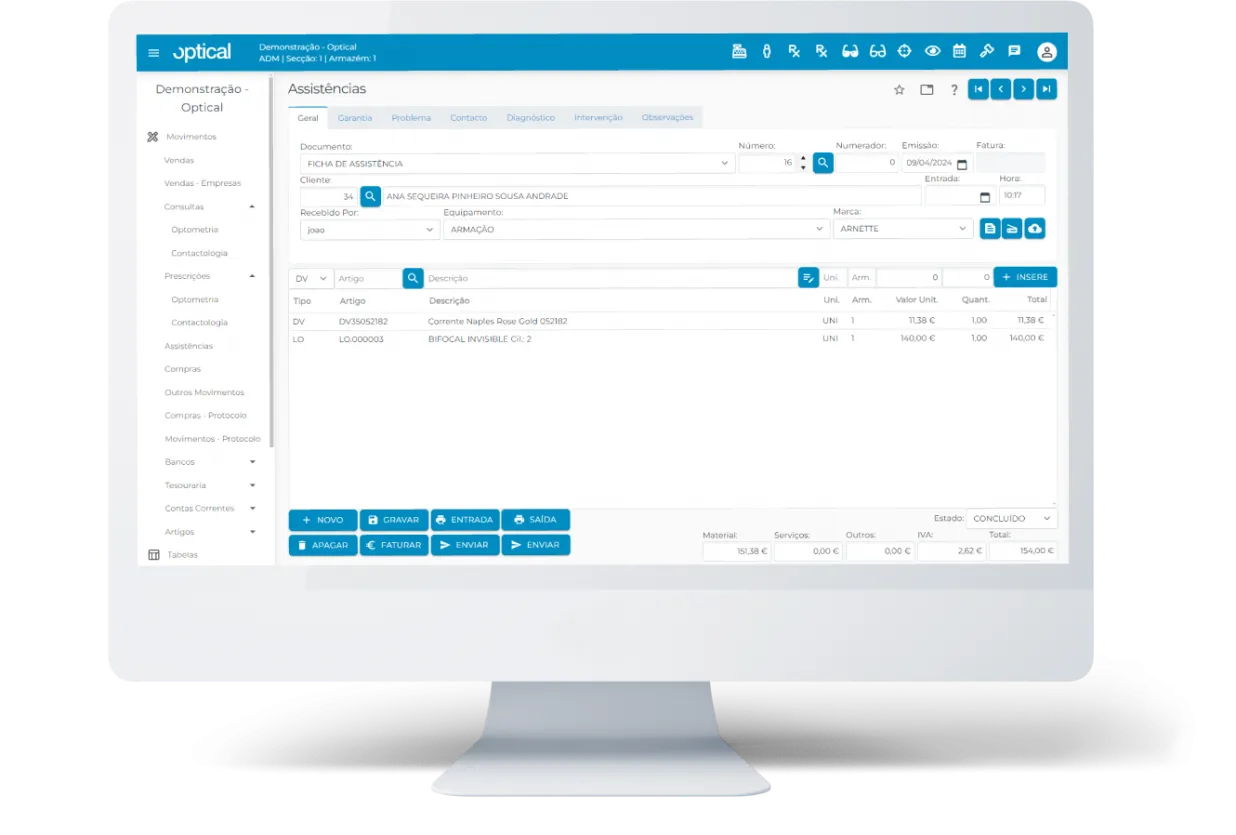
- Sales entry by item type;
- Fast entry by code, reference or barcode scan;
- Direct conversion of a Prescription or Repair into a sale, speeding up the sales process;
- Automatic customer identification by VAT number (NIF), validated through VIES;
- Free-text lines and suspended sales;
- Check the stock available in the warehouse while entering the sale;
- Sales summary reports in receipt format, by item, family, customer, document and payment method.
Current accounts
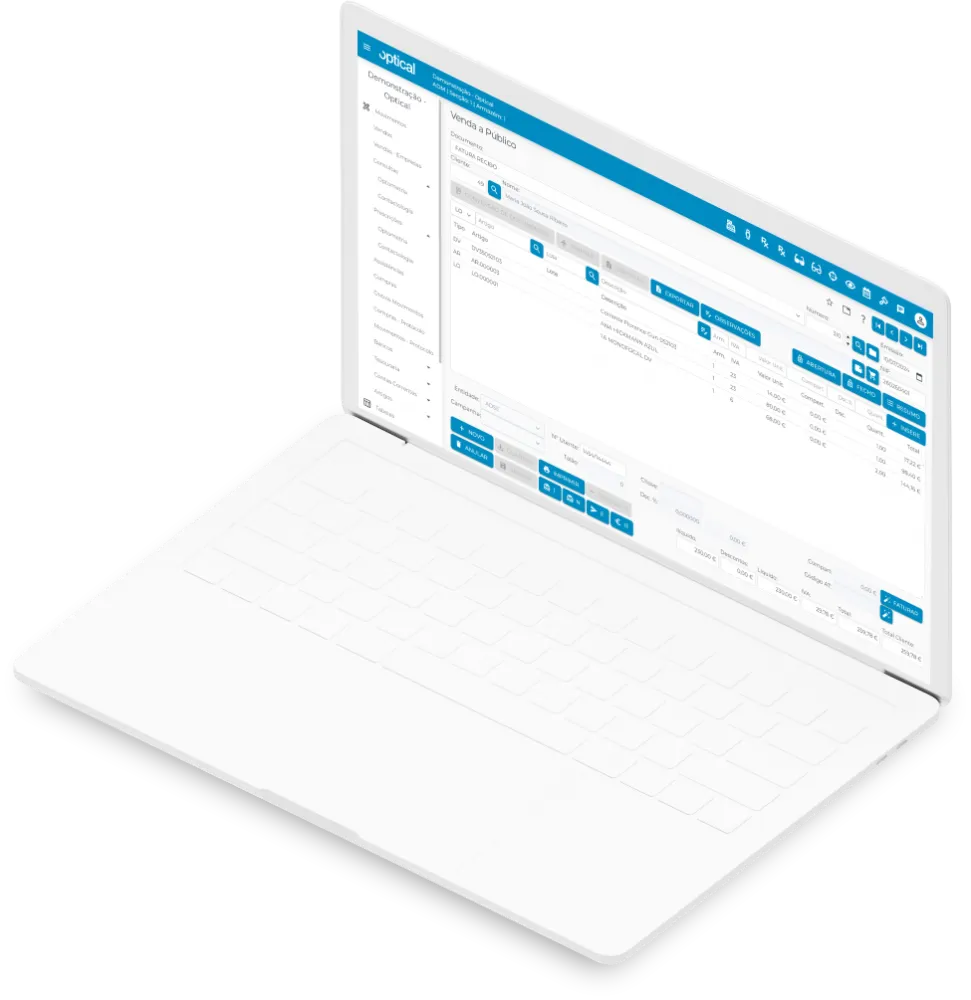
- Issue receipts and payment notes simply and efficiently;
- Management of partial payments and receipts of documents;
- Intuitive selection of documents to settle and amounts to offset;
- Automatic sending of receipts in PDF format by email;
- Integration with bank and cash accounts, ensuring rigorous financial control;
- Current account management for customers, suppliers and third parties;
- Statements and outstanding documents sent by email, making communication easier;
- Statement, trial balance and outstanding balance reports to support financial management.
Purchasing
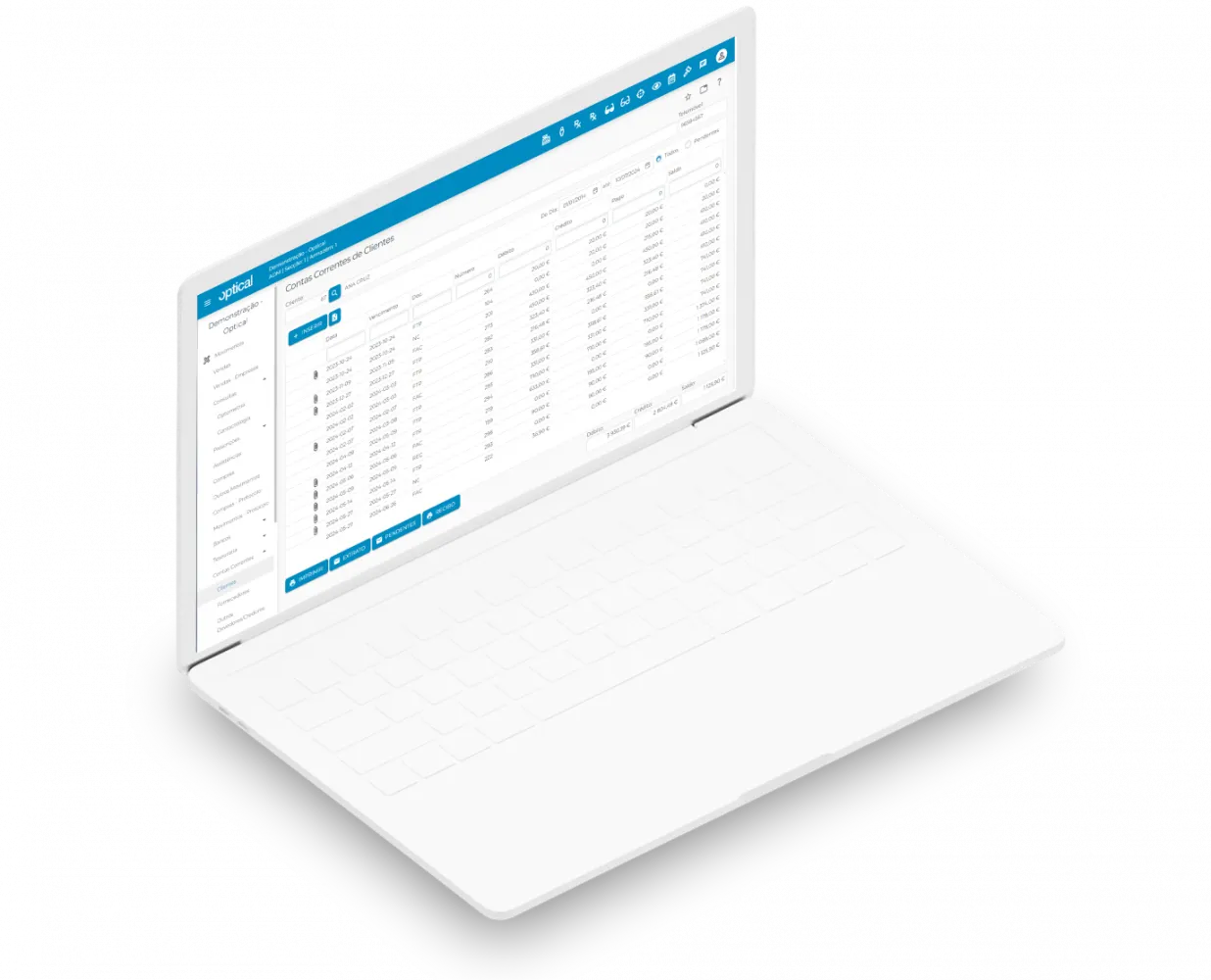
- Automatic integration with the Stock module, ensuring real-time updates;
- Internal and external numbers on purchase documents, for better control;
- Quick view of the latest prices charged by each supplier;
- Automatic calculation of average item costs;
- Barcode label printing, making products easy to identify;
- Detailed view of the discounts applied to each purchase;
- Import of purchase documents in Excel format, simplifying data entry;
- Quick, intuitive creation of new items.
CRM
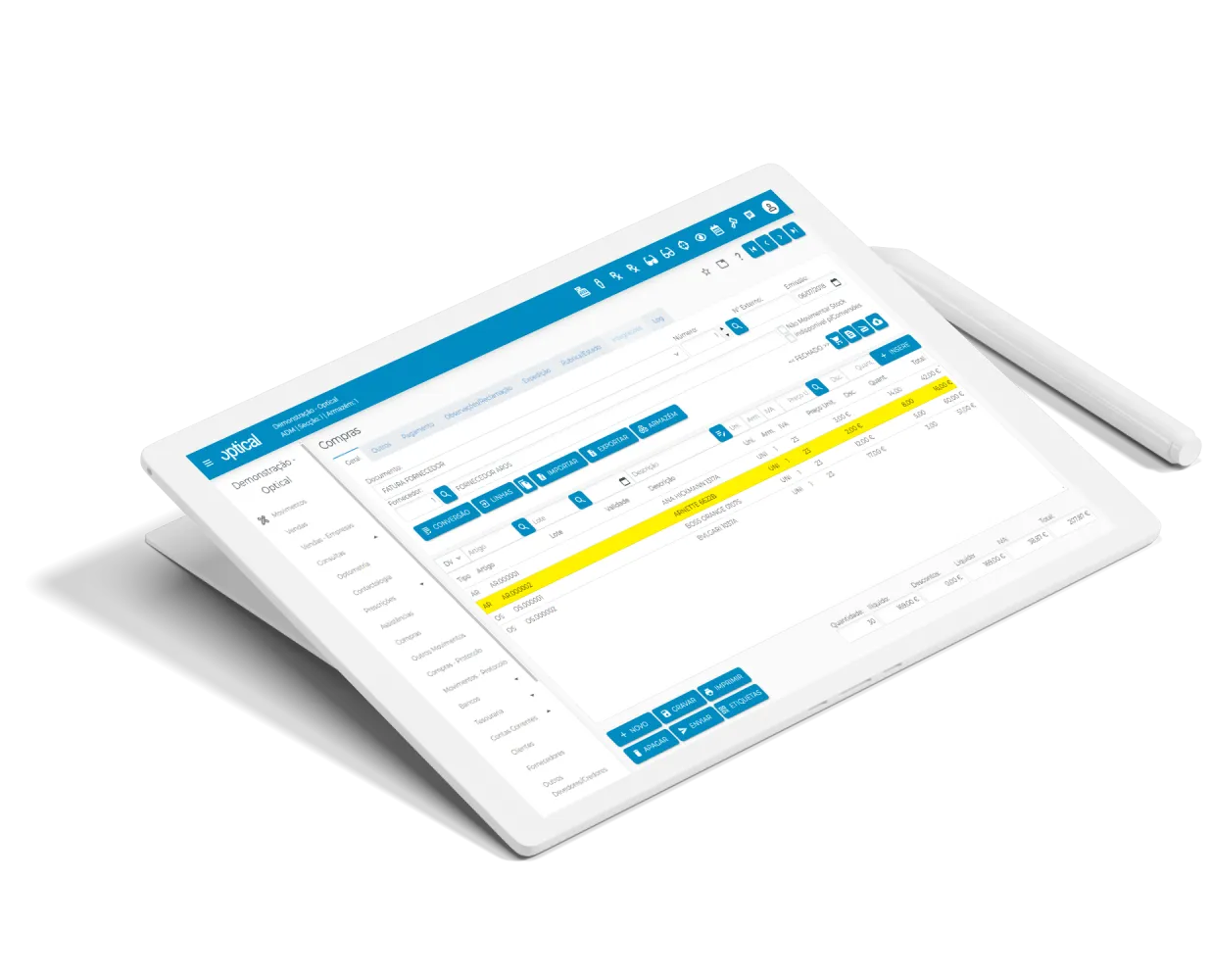
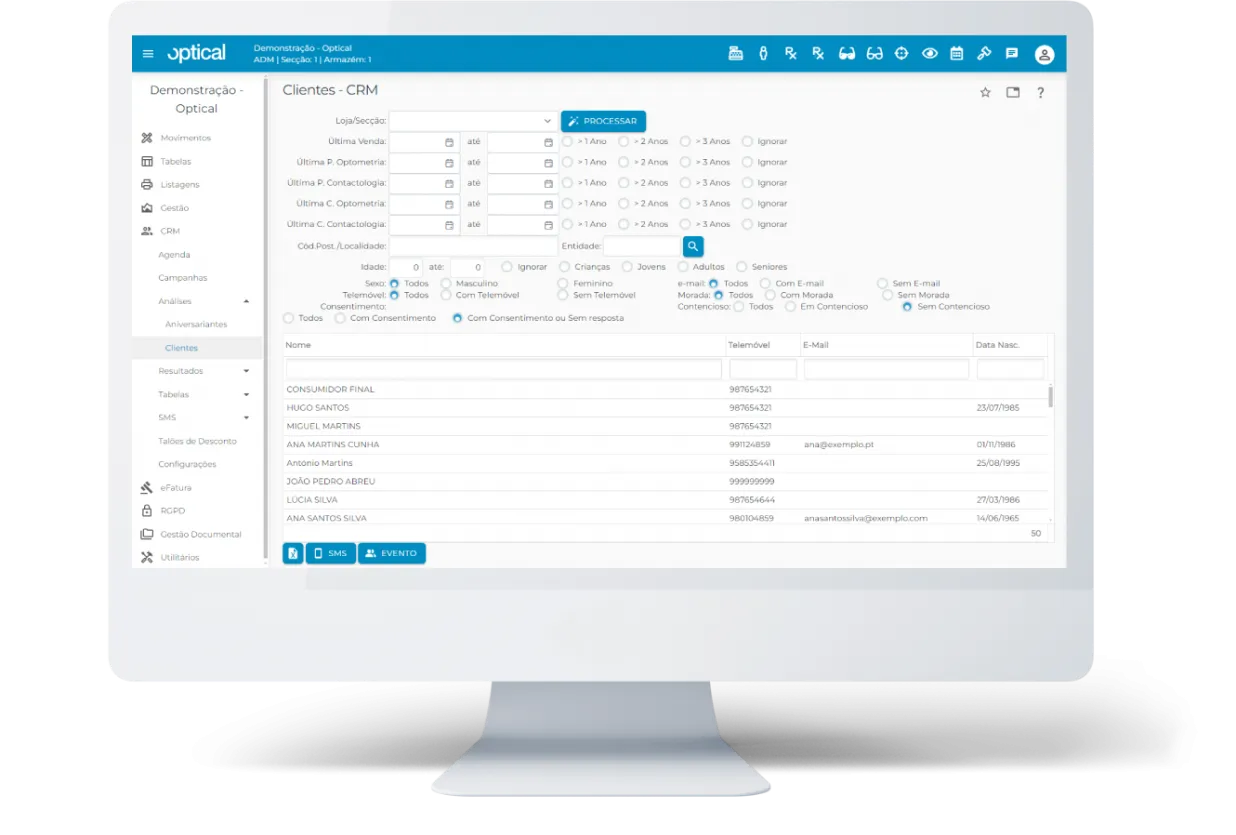
- Create and manage promotional campaigns, making it easier to plan sales activities;
- Customer birthday lookup with SMS sending, for closer communication;
- Customer record linked to eye examinations and prescriptions, centralising all relevant information;
- Automated actions after eye examinations and prescriptions, optimising commercial and clinical follow-up;
- Integration with the calendar, improving organisation and planning;
- Bulk SMS sending, simplifying mass communication campaigns;
- Evaluation of each campaign's results, so you can measure its impact and effectiveness.
SMS
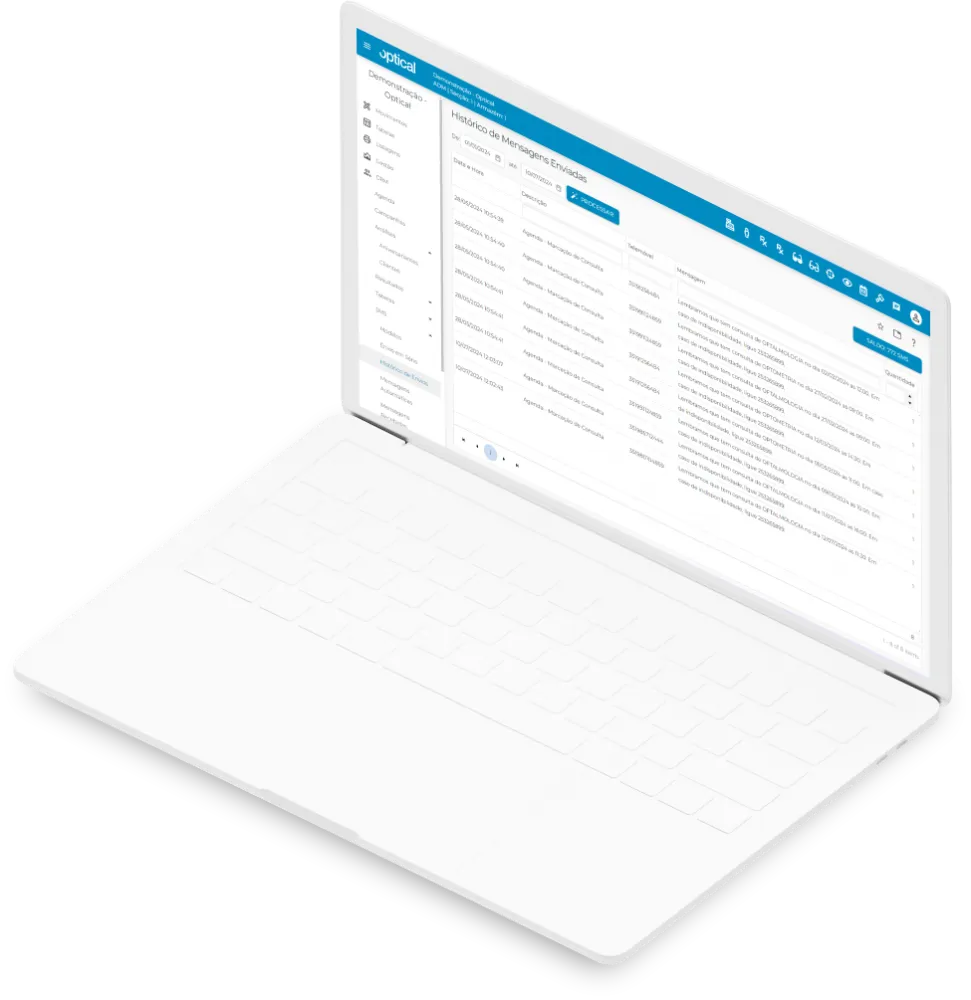
- Automatic messages, ensuring fast, consistent communication;
- Bulk messages, ideal for mass communication;
- Lookup and analysis of the history of sent messages, for better follow-up;
- Let customers know about promotions, offers and new product launches, strengthening commercial ties;
- Automatic alerts, such as payment due reminders to customers and cash register opening and closing, among others;
- Alert messages about logins to optical, improving control and security;
- Minimum stock alerts, among many other notifications that support management.
Stock management
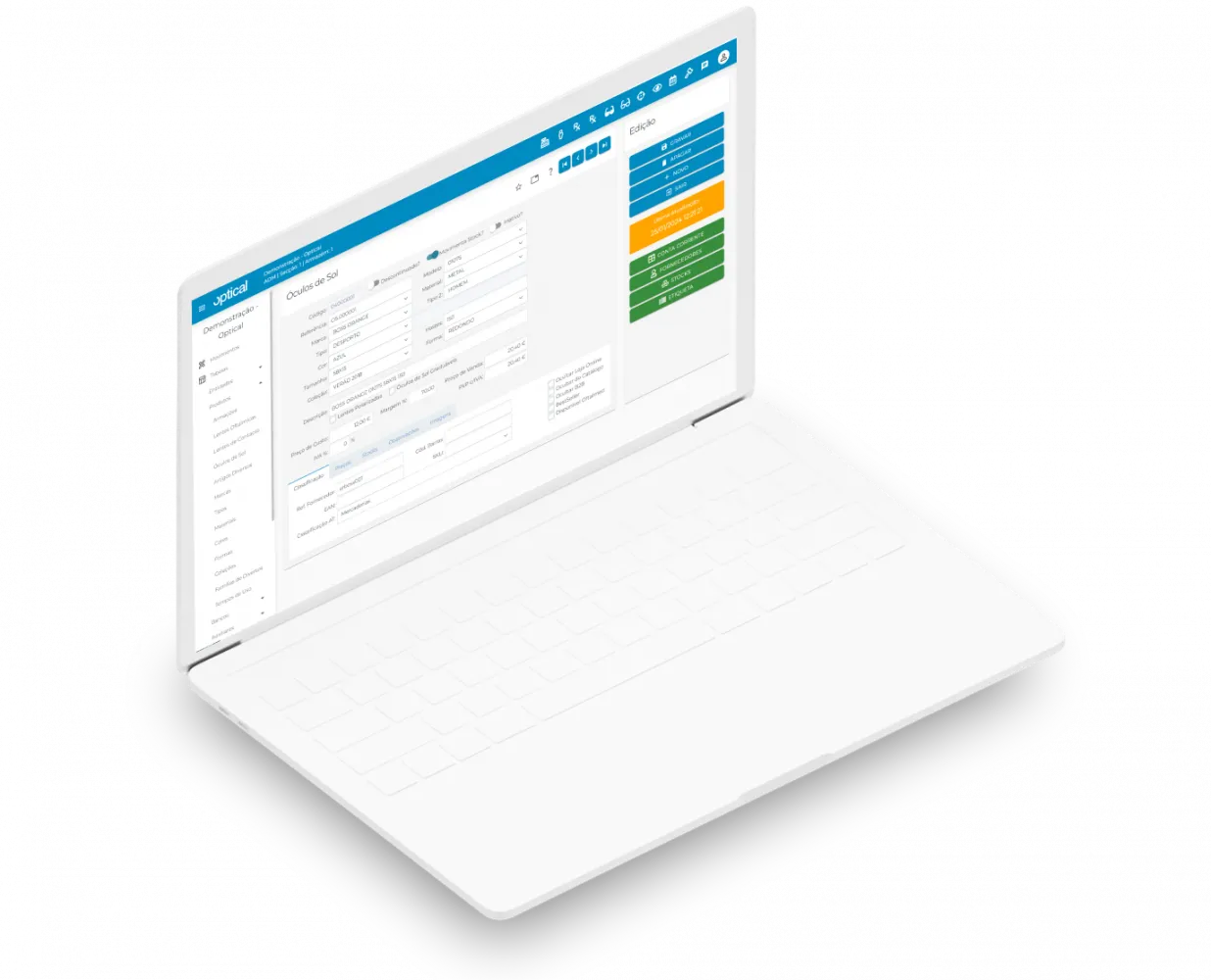
- Items organised by category: Frames, Ophthalmic Lenses, Contact Lenses, Sunglasses and Miscellaneous Items;
- Stock management by warehouse or shop, for detailed control by location;
- Opening inventory and periodic stocktakes;
- Simple, controlled stock transfers between warehouses;
- Recording of stock receipts and issues, keeping stock permanently up to date;
- Complete movement history for each product (item current account);
- Stock count documents to support stocktaking;
- Comparison of counted items with recorded stock, making discrepancies easy to spot.
Document management
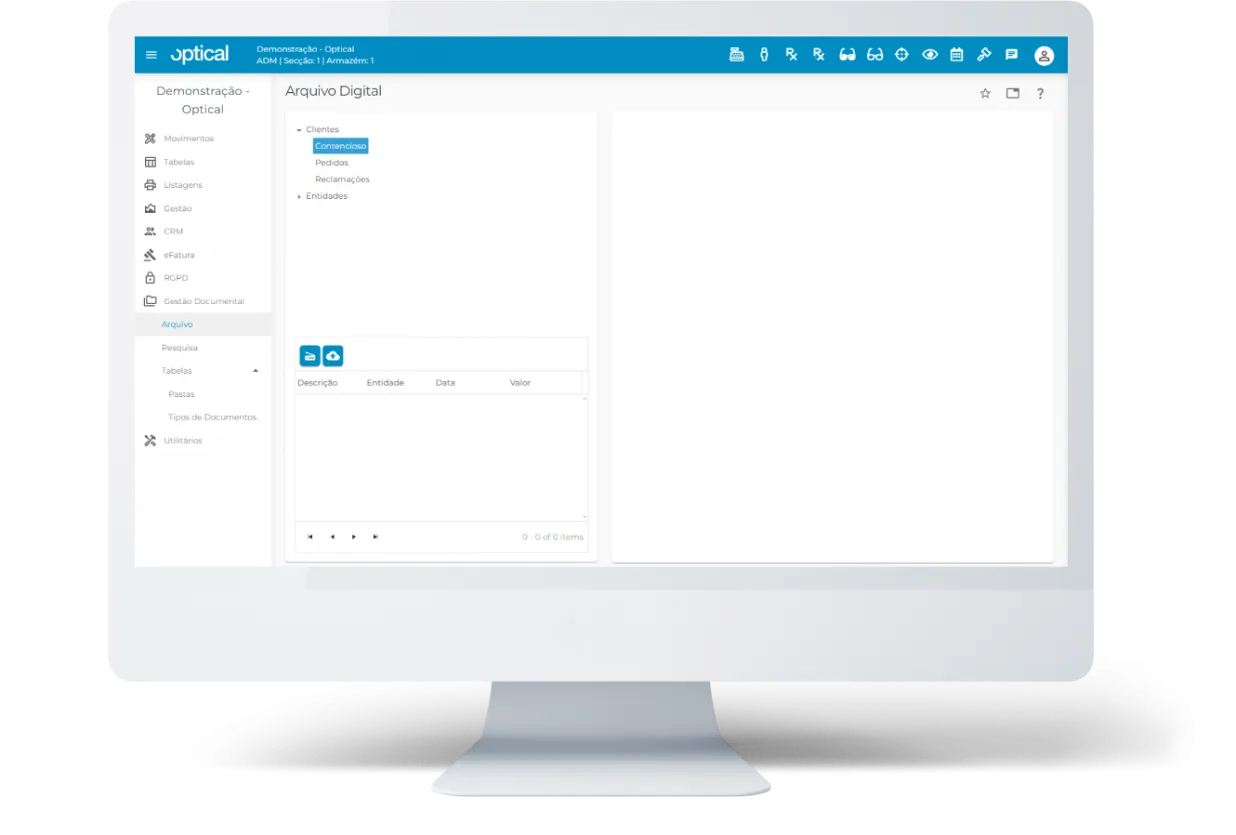
- Scan and upload all kinds of documents, simply and centrally;
- Classification by document type, making organisation and searching easier;
- Tree structure with folders and subfolders, for intuitive management;
- Attach an unlimited number of files to each document;
- Upload, scan and view buttons available in different areas of optical;
- Up to 50 GB of storage, expandable in additional blocks.
Dashboard
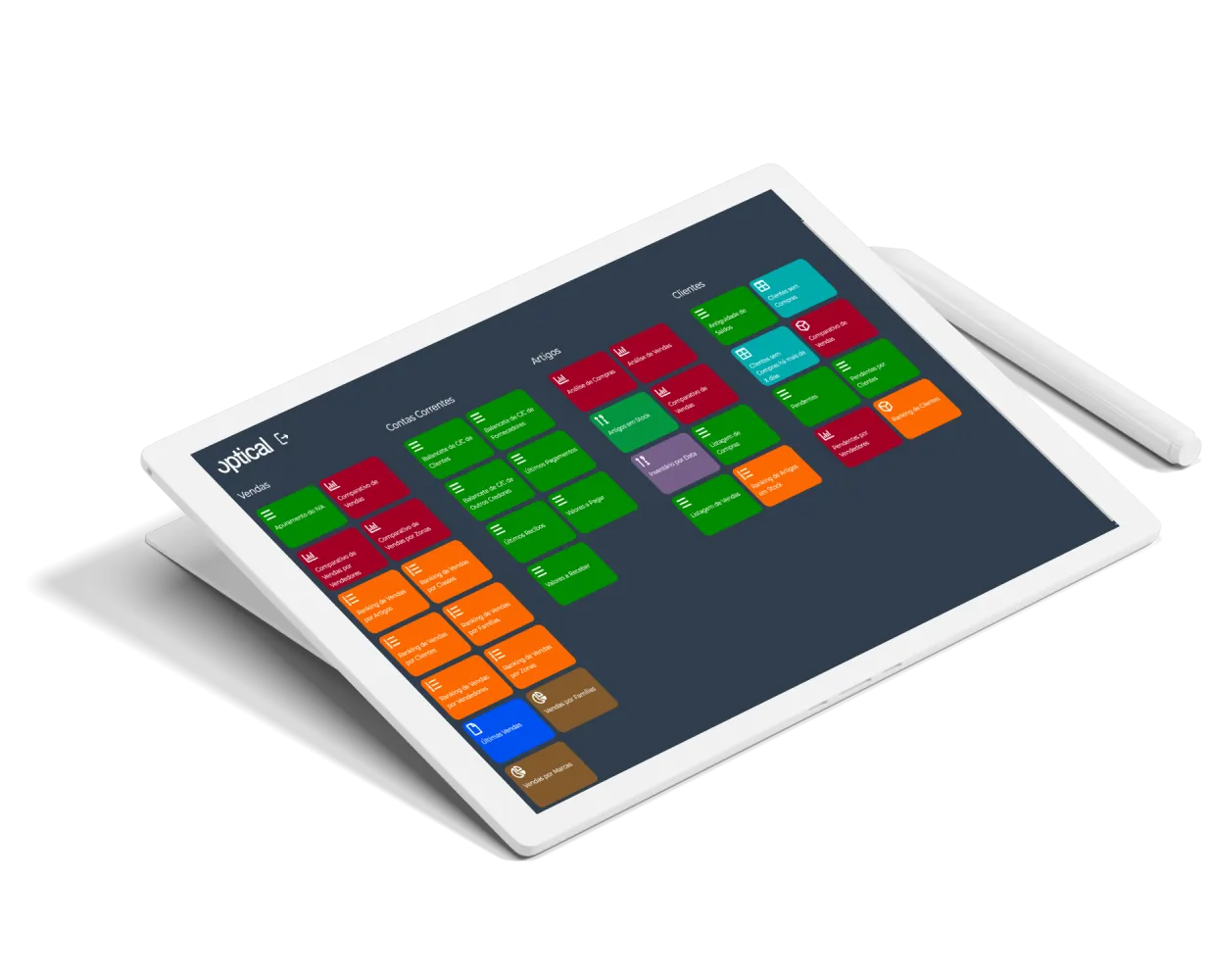
- Compatible with any Android, Apple or Microsoft tablet, for mobility and flexibility;
- Intuitive, fully touch-based and easy-to-use interface;
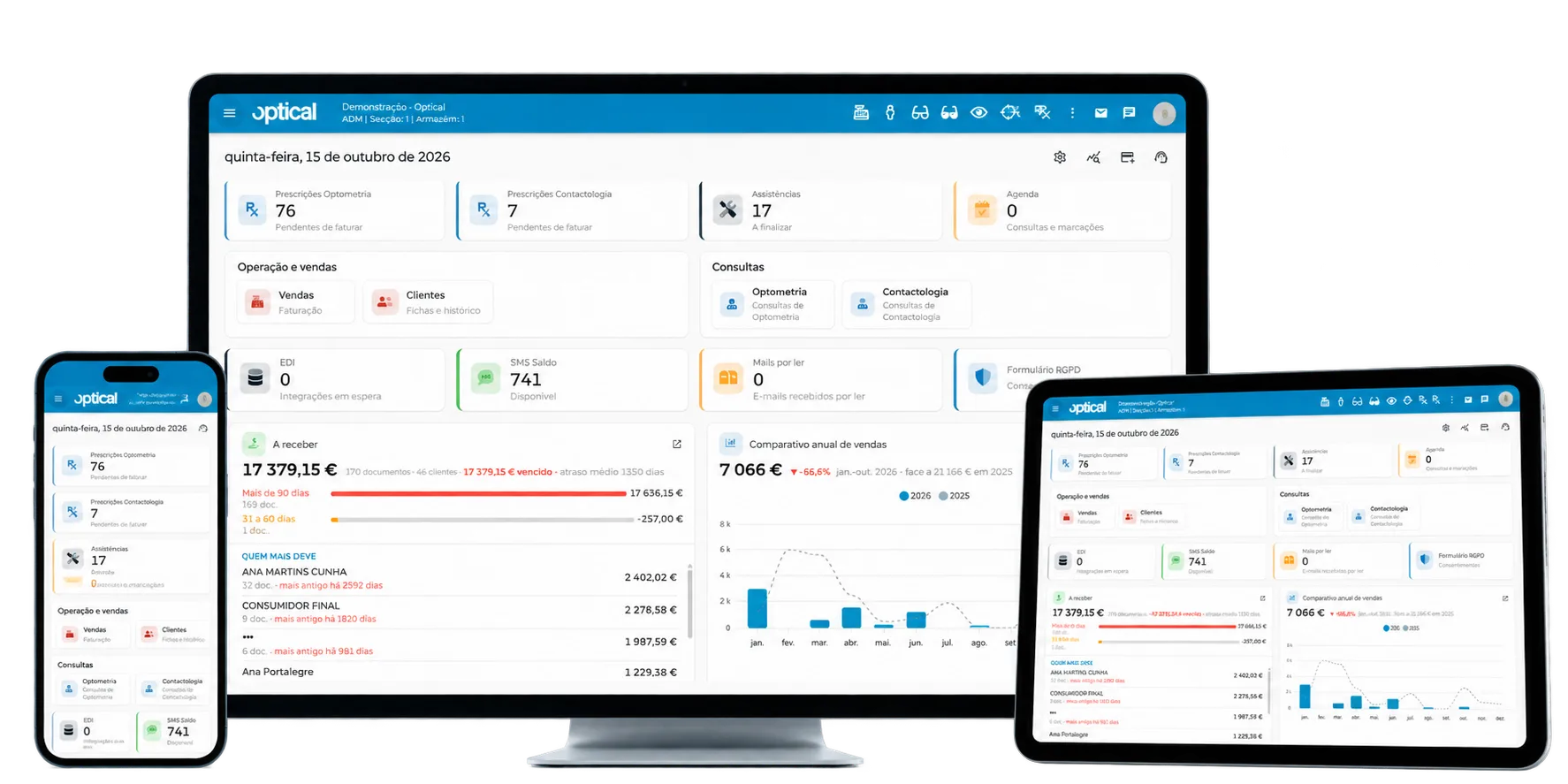
- Complete analysis of sales, prescriptions, items, customers, suppliers, purchases, current accounts, costs and repairs;
- Sales comparisons by customer loyalty and by user, and average ticket analysis by shop;
- Performance rankings by item, customer, family and user;
- Overall control of sales, purchases, current accounts and costs, among other areas;
- An integrated view of the business, with cross-cutting analyses that support decision-making.
Try optical for free
You can try the software for 15 days, at no cost.
Would you rather we showed you the software first? Book a free online demo.
Book a demo