We have simplified SMS subscriptions
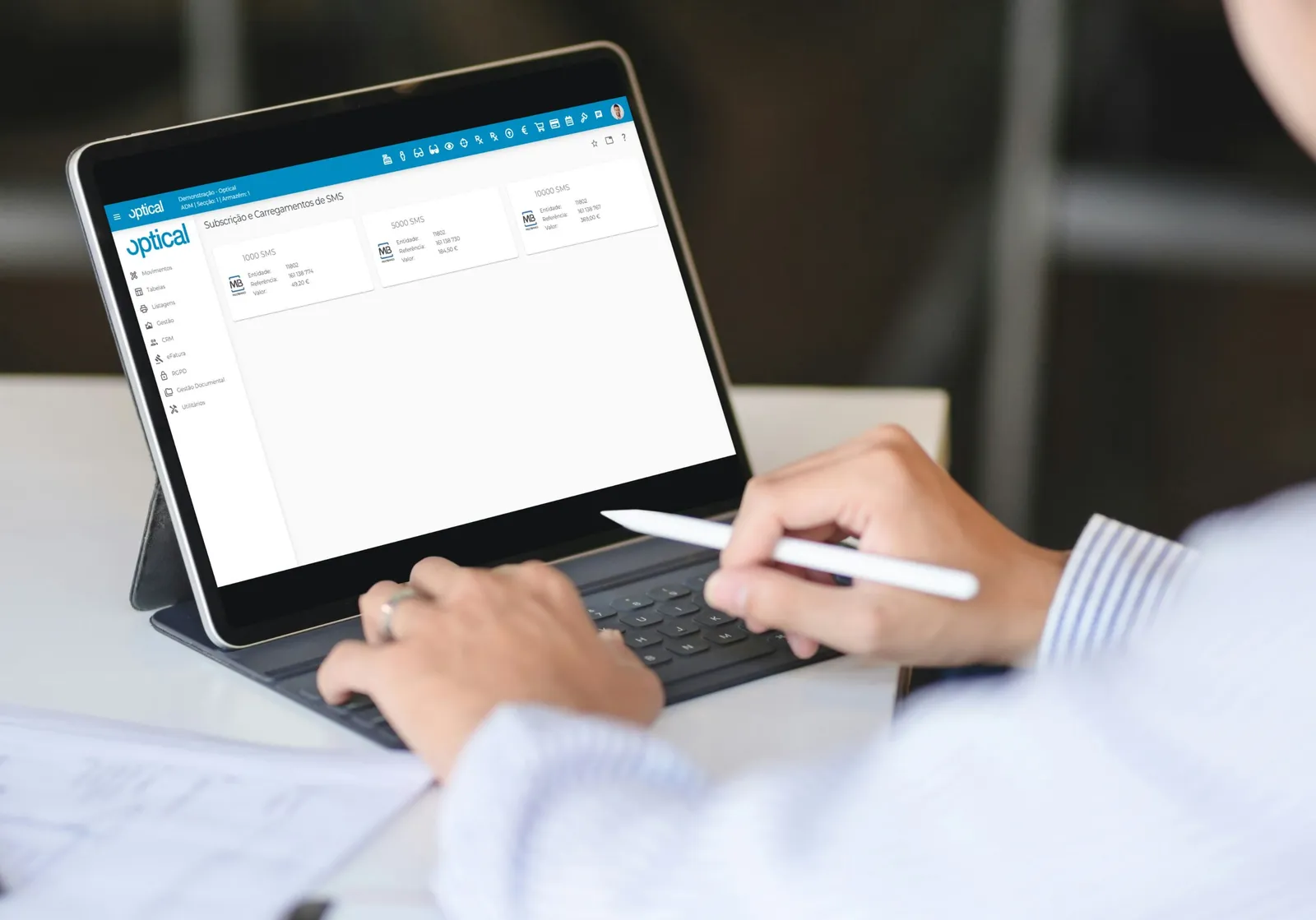
To simplify the SMS subscription process, optical now has a new area where you can pay for the service.
How does it work?
On the application's desktop, on the left-hand side, you will find green buttons labelled Subscription/SMS. Clicking them shows the SMS packages available. Each one comes with a Multibanco (MB) reference: simply make the payment for the number of SMS you want added to your balance. This saves you the time spent requesting them by email or phone.
If your subscription is still pending, there is also a subscription/balance option, which lets you pay that way too.